
Security
Signs Your WiFi Is Hacked (And What To Do About It)
Unfamiliar devices, sudden slowdowns, settings you didn't change. The real signs and the fix.
Read →Real fixes for the tech that breaks when you're far from home — overheating laptops, VPNs that quit at borders, accounts locked from a new country. Written by the technicians who solve these in 130+ cities, every day.
Start here: Online computer repair · What it costs · Best remote IT support · Geek Squad alternative · Book a fix
The only travel-tech guide organized by where you actually are. Why your laptop runs hot in Bali humidity, Dubai heat, Bogotá altitude, or coastal salt air — and the exact fix for each climate.
Read the guide
Unfamiliar devices, sudden slowdowns, settings you didn't change. The real signs and the fix.
Read →
Evil-twin hotspots, traffic sniffing, what a VPN actually protects against. What's safe and what isn't.
Read →
Can't log in, posts you didn't make, friends getting spam. The official recovery path for both platforms.
Read →
Extensions, GPU conflicts, corrupted profiles. The actual causes and how to reset Chrome without losing anything.
Read →
Mismatched domains, urgency tactics, fake login pages. What to check before you click, and what to do if you already did.
Read →
Wrong output device, driver issues, a broken Windows update. Every real cause, in the order to check them.
Read →
Cursor visible or not, backlight on or off: each version means something different. Honest diagnosis, not one fake fix-all.
Read →
It's rarely the VPN app itself. Why VPNs drop constantly in certain countries, and the protocol switch that actually fixes it.
Read →
Locked out after switching phones abroad? The exact recovery path for Google Authenticator, Authy, and Microsoft Authenticator.
Read →
It's your account's country setting, not your device or a VPN. The correct fix, without losing your purchases.
Read →
WiFi/VLAN enrollment, comms apps, VPN, device quirks, and the offboarding checklist that protects the boat when crew leaves.
Read →
Routers, UPS batteries, and electronics sitting dormant. What degrades, what to check before recommissioning.
Read →
Why guests expect fiber-speed WiFi at sea, the physical limits of satellite connectivity, and how to set expectations before it's a problem.
Read →
Photo/video best practices, drone footage, and backup workflows — and the tech mistakes that quietly weaken a claim.
Read →
Onboard WiFi, Starlink Maritime, crew laptops, guest networks — how yacht IT actually works and how to get help fast, wherever you're anchored.
Read →
Beam handoff, obstruction, router resets, and cellular failover — real fixes for yacht Starlink dropouts, plus how to get help offline.
Read →
VLAN separation, bandwidth management for 10+ guests, and fixing metal-hull dead zones — guest WiFi that actually holds up.
Read →
Salt air damage, no fixed address, banking flagged by a changing IP — real fixes for crew laptop and phone problems, wherever the boat is.
Read →
Why island and coastal internet depends on a handful of submarine cables, how long outages really last, and how to keep working when one is damaged.
Read →
The honest tradeoffs: language barriers, parts delays, and zero accountability once you've left the country — plus when local still wins.
Read →
Surge damage vs. sudden-shutdown corruption — how to tell the difference, and what's fixable remotely versus what needs a local shop.
Read →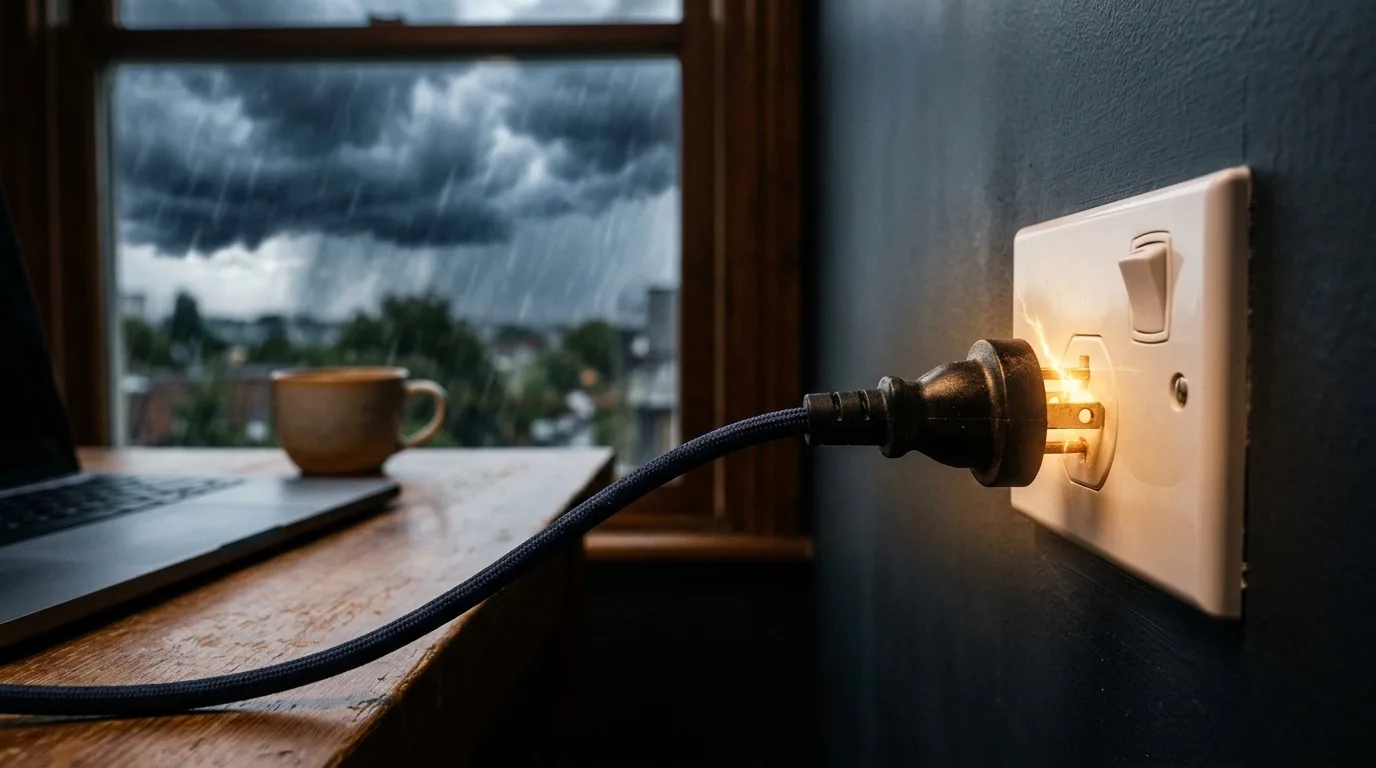
Nomad visa programs now demand bank statements, e-signatures, and video calls. Here's where the tech breaks and how to fix it before your deadline.
Read →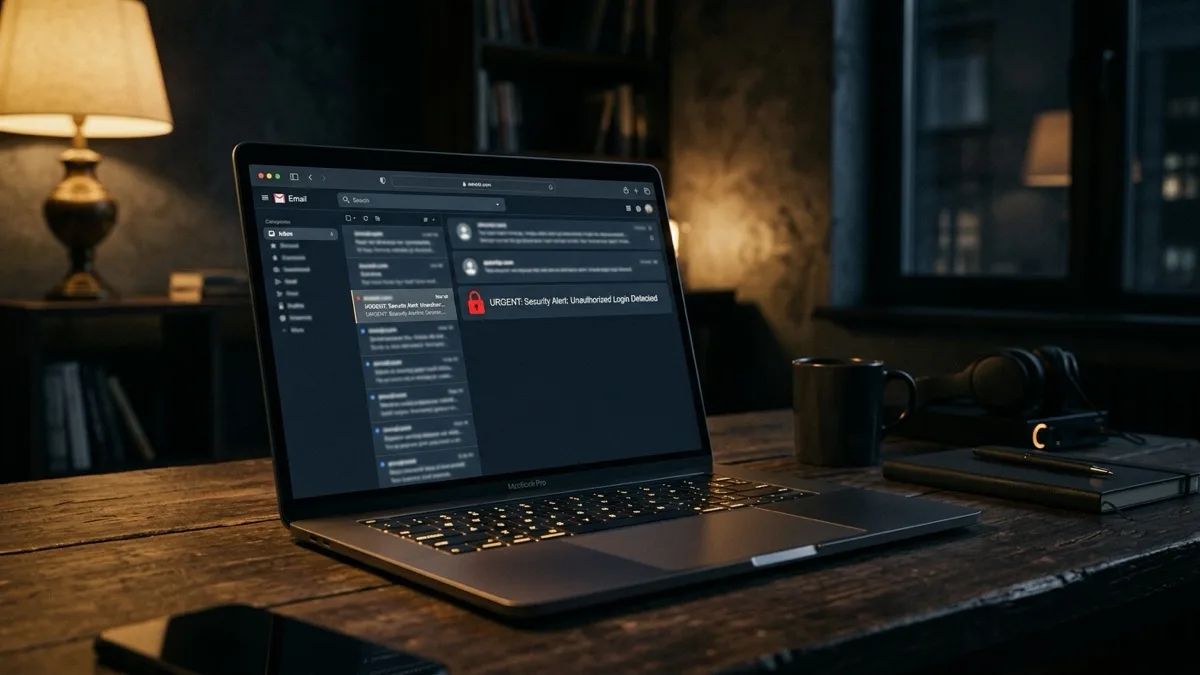
Yes — when you start the session, watch it, and use a one-time code. Here's how to tell legitimate remote support from a scam.
Read →
The software/hardware dividing line, clear signs for each, and where to find on-site help if remote isn't enough.
Read →
The five steps of a session, what a tech can and can't fix remotely, and why it beats shipping a laptop or a shop visit.
Read →
A plain-English explainer: how it works, who uses it, what it covers and can't, cost models, and the pros and cons.
Read →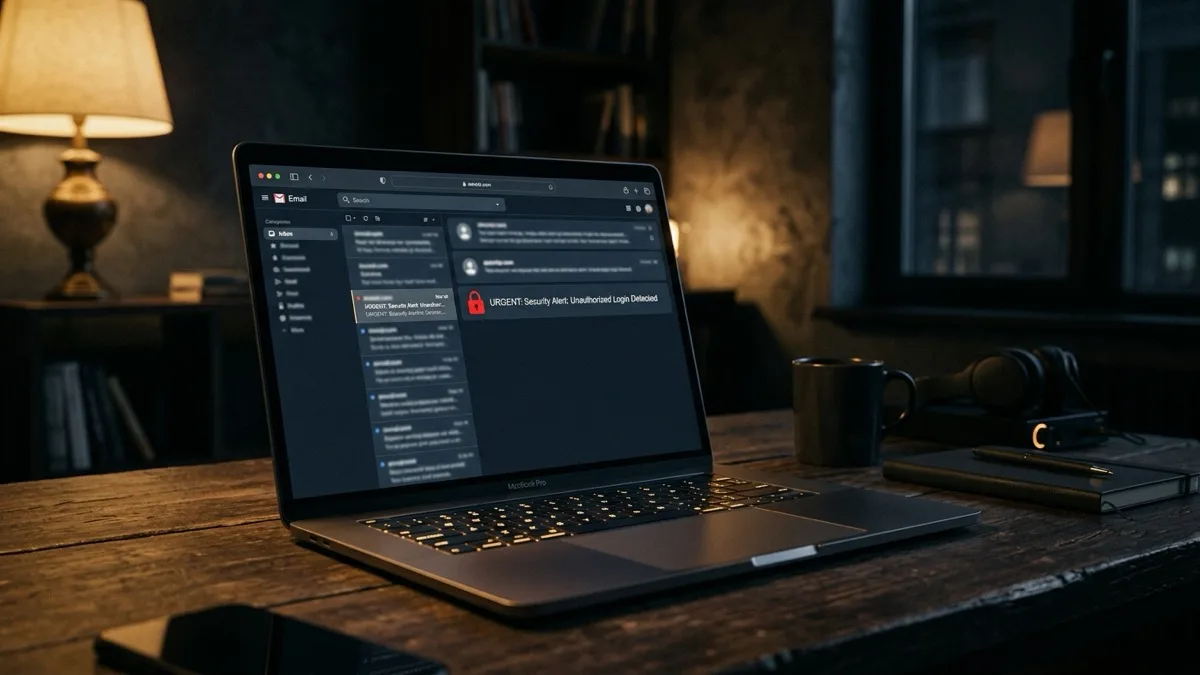
Safe only if you started the contact and can verify them. Never with anyone who called or emailed you first. Here's the golden rule.
Read →
Fake popups, cold calls from "Microsoft," gift-card demands. The warning signs and exactly what to do if you spot one.
Read →
Clear definitions plus a comparison table of every common type — trojan, spyware, worm, rootkit, cryptominer — and how each infects you.
Read →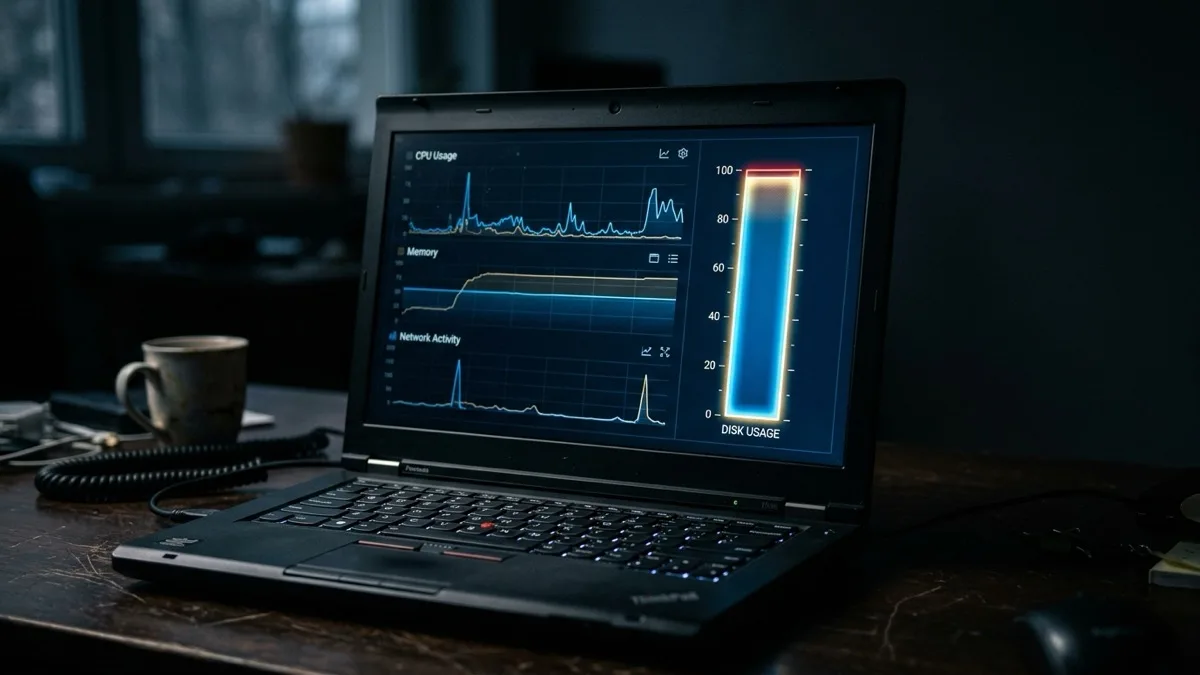
Your processor is maxed out. Brief spikes are normal; constant 100% at idle usually means a stuck process or a hidden cryptominer.
Read →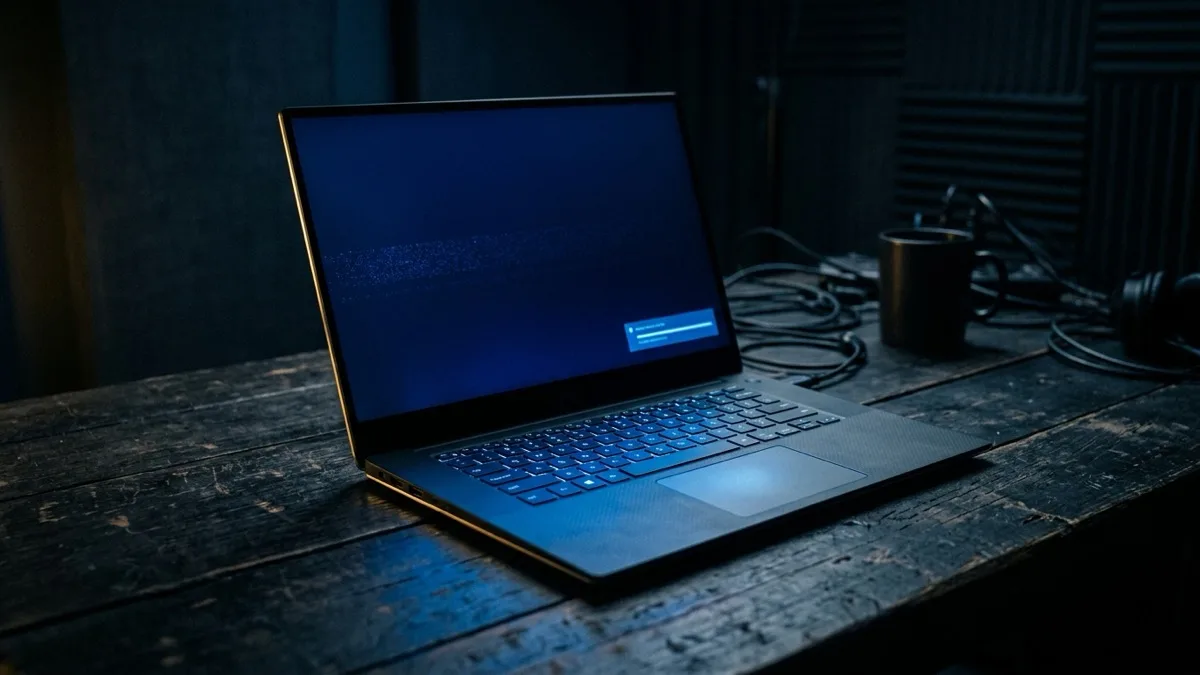
A minimal boot with only essential drivers, for fixing crashes, malware, and bad drivers. If the problem vanishes there, it's software.
Read →
An SSD is faster, tougher and the single best upgrade for an old PC. An HDD only wins on cost per terabyte. Full comparison inside.
Read →
8GB is the floor, 16GB the sweet spot, 32GB+ for creative work. Use-case table plus how to check what you're really using.
Read →
A second proof of identity beyond your password. The methods ranked weakest to strongest, and how to turn it on the right way.
Read →
Once or twice a week, and any time it acts up. Why a reboot fixes so much, plus restart vs shutdown vs sleep, myths busted.
Read →
The warning signs, fast recovery, and the hidden forwarding rules attackers leave behind to keep stealing your reset codes — plus how to stop a repeat.
Read →
Why every site suddenly throws the warning (hint: usually your clock), what each error code means, and when it's genuinely unsafe to click through.
Read →
How to tell if it's truly frozen, when to wait, and how to safely reset Windows Update without corrupting your install or risking data.
Read →
What the rainbow wheel really means, how to read the cause in Activity Monitor, and the failing-drive sign you should never ignore.
Read →
Why your camera is black — app conflicts, permissions, drivers, privacy shutters — and the 30-second test that tells you if it's the camera or the app.
Read →
The simple 3-2-1 rule, Time Machine and File History, why cloud sync is not a backup, and the restore test almost everyone skips.
Read →
Freeze vs hang vs restart — each points to a different cause. Find the pattern, then the exact fix for RAM, drivers, overheating, or a failing drive.
Read →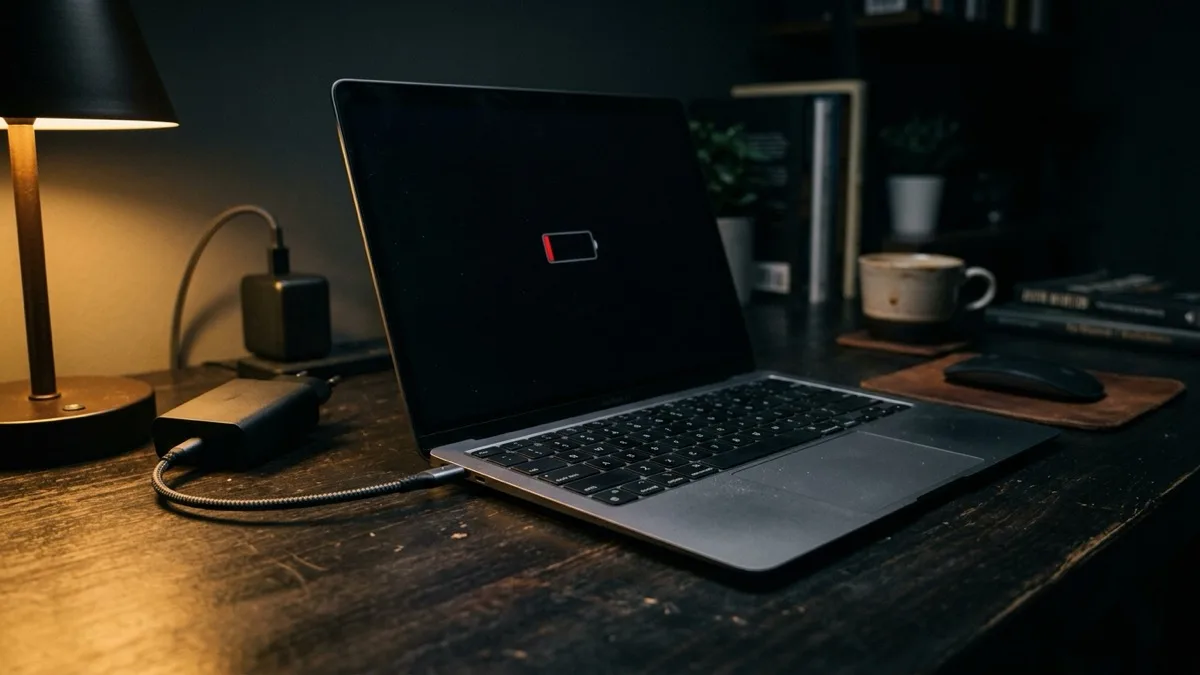
Cable, port, and SMC checks, what the "Not Charging" message really means, and what we fix remotely vs. what needs a local shop.
Read →
Apple ID reset, admin reset, and the Recovery assistant — plus the FileVault and keychain catches most guides skip.
Read →
Read the status bar, toggle off Working Offline, fix the password loop, and rebuild a corrupt profile — for classic and New Outlook.
Read →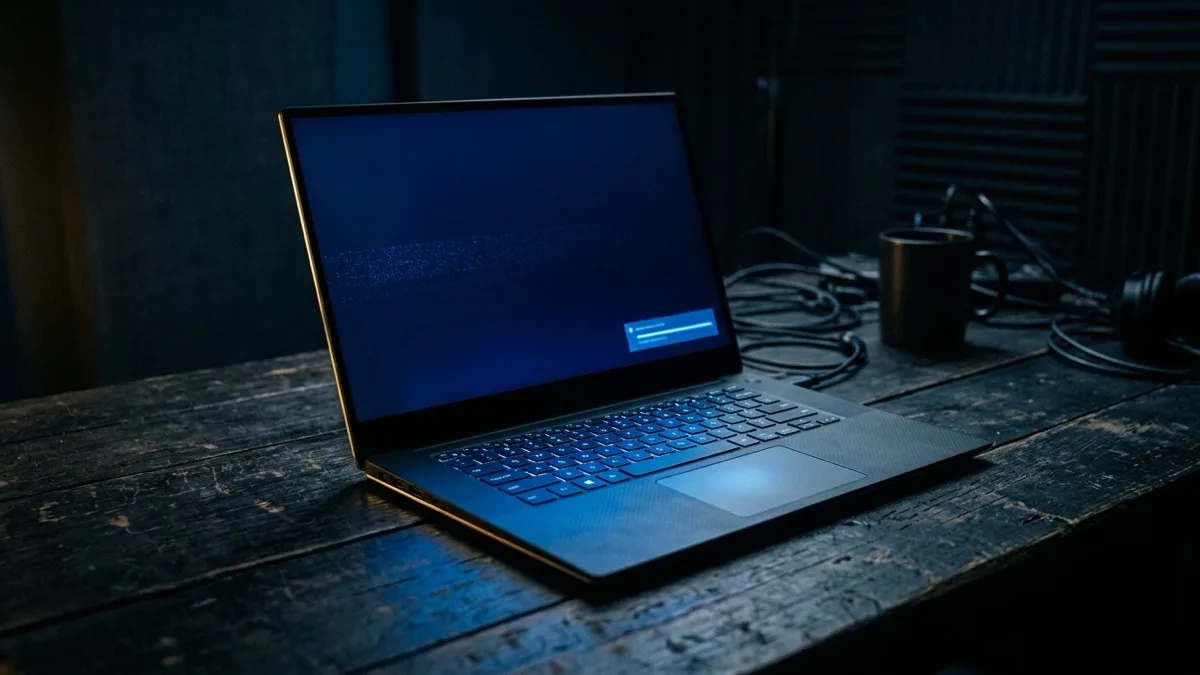
What your Windows stop code means, the exact fix order that clears most blue screens, how to read a minidump, and when it's failing hardware.
Read →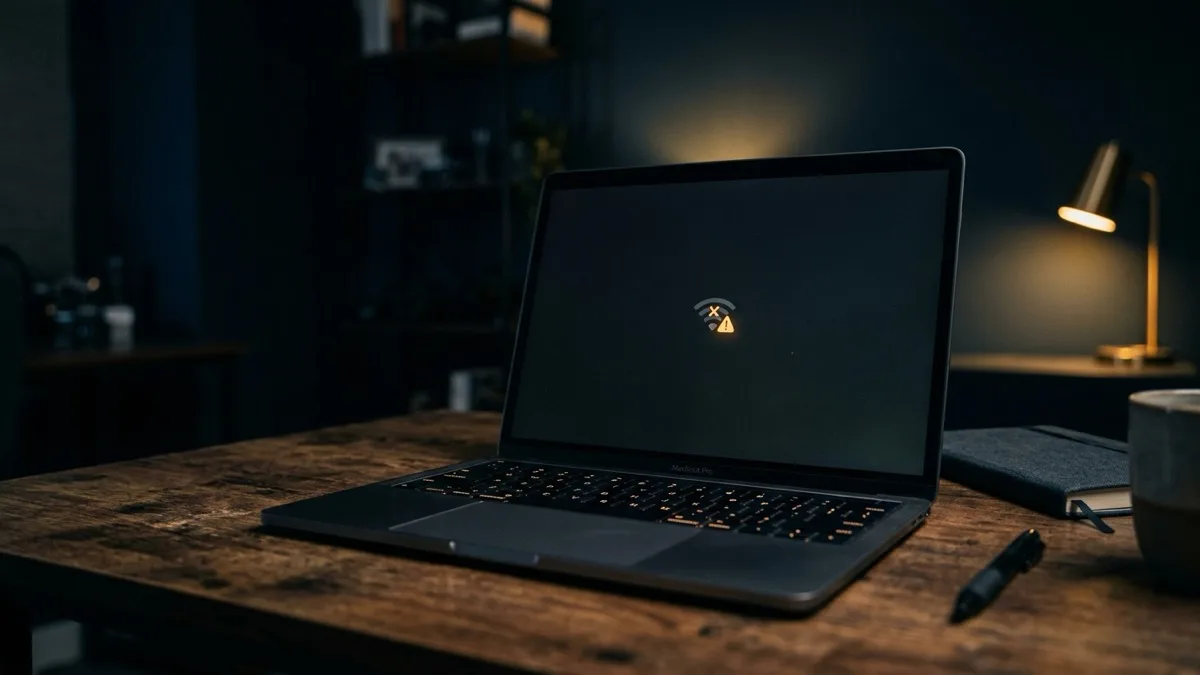
The ordered triage: one device or all, DNS to 1.1.1.1, IP renew, "No Internet, Secured" on Windows, captive portals, router vs ISP.
Read →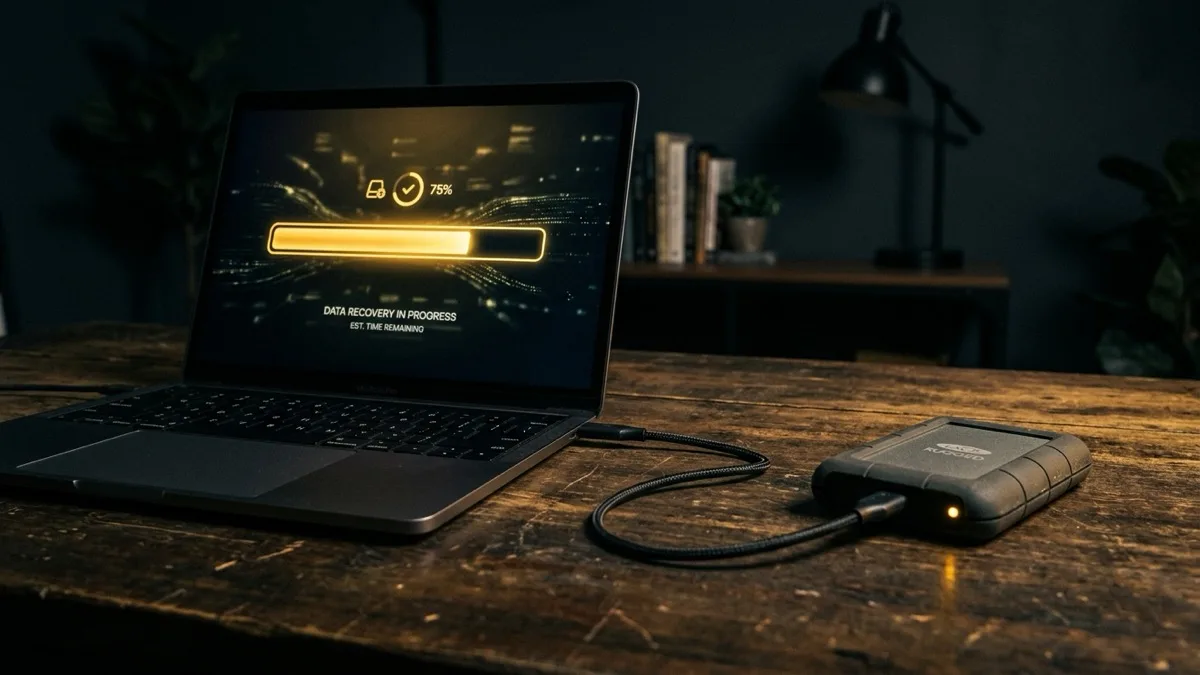
The one step that decides if your files come back, recovery by scenario, the SSD/TRIM catch nobody mentions, and when to stop and get a pro.
Read →
The four stages of a laptop that won't start — no power, black screen, boot loop, stuck on logo — with the right DIY fix for each.
Read →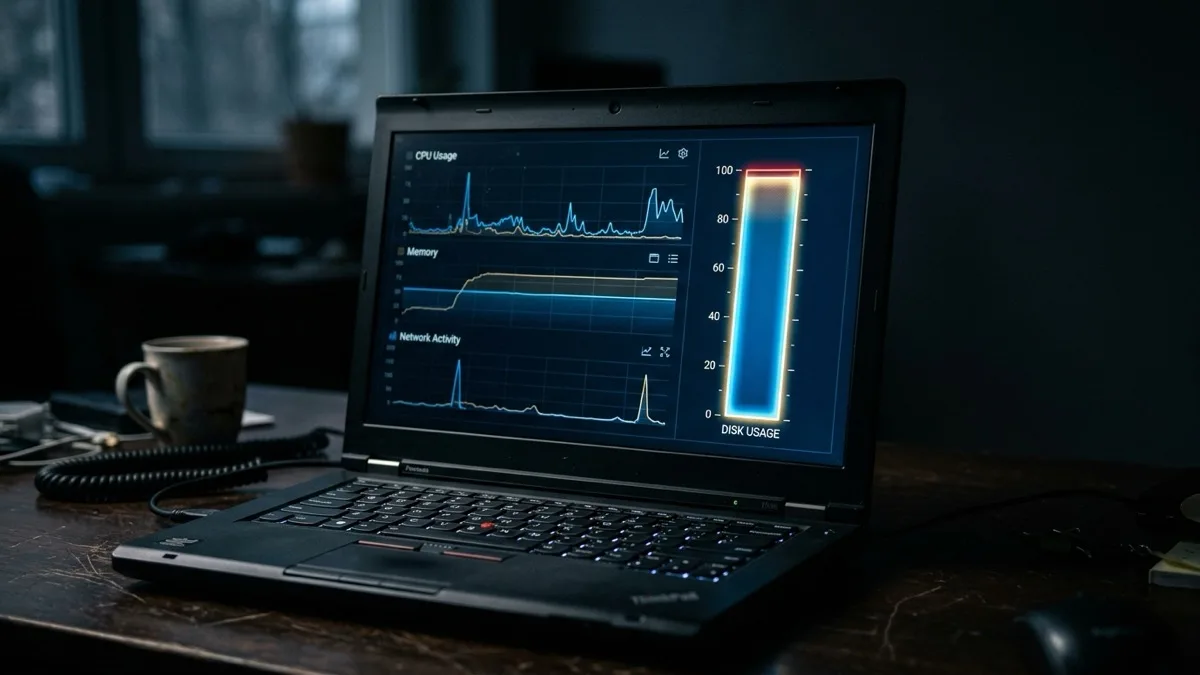
What 100% disk really means, how to read Task Manager, the common culprits (SysMain, Search, OneDrive), SMART health, and the SSD cure.
Read →
Disconnect, safe mode, kill bad apps and extensions, scan, and verify it's actually gone — not just quarantined. Plus ransomware do's and don'ts.
Read →
Diagnose it in Task Manager or Activity Monitor, fix the six real causes, and the single upgrade that makes most old laptops feel new.
Read →
Why it shows offline even when it's on, plus the exact Windows and Mac fixes: clear the queue, restart the spooler, re-add by IP, the guest-WiFi trap.
Read →
Reset a Microsoft account or local login the right way, the PIN shortcut, and the BitLocker recovery-key warning that decides if your files survive.
Read →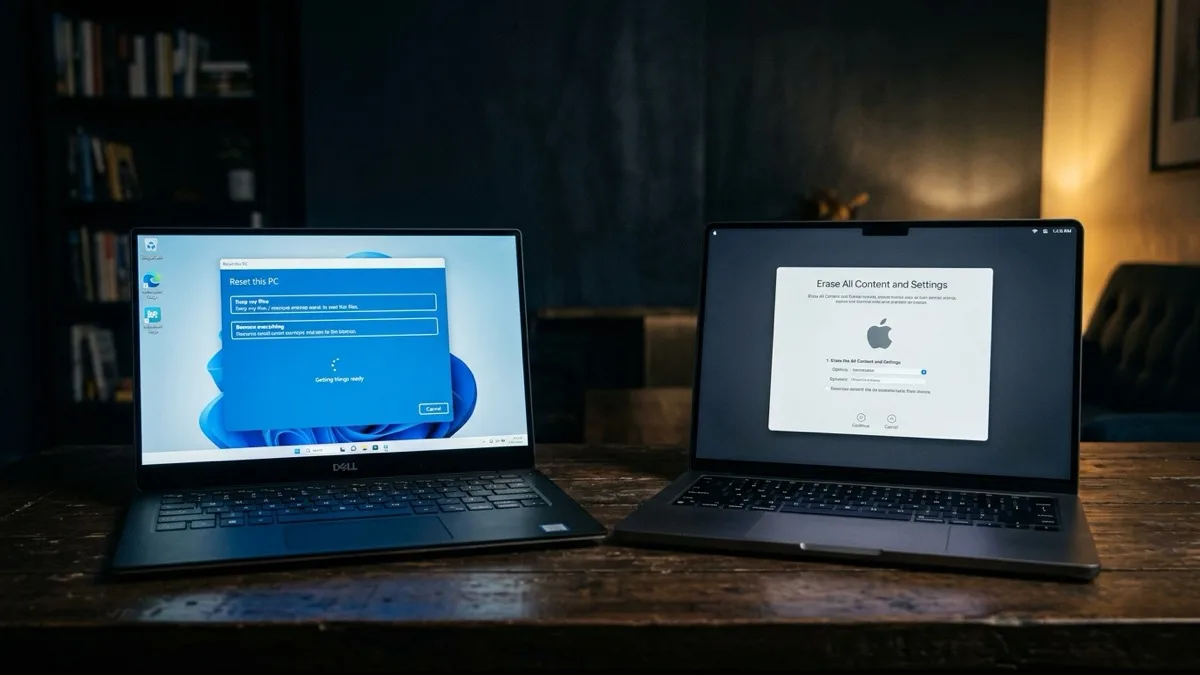
When a reset is the right call, the pre-reset checklist, exact Windows and Mac steps, and the Activation Lock / BitLocker traps that brick devices.
Read →
Background sync over hotel WiFi, time-zone update storms, thermal throttling — the travel-specific reasons your laptop crawls, and how to fix each on Windows and Mac.
Read →
Constant high RPM, a rattle, or surging? Each fan behavior points to a different cause. A symptom-to-meaning decoder so you know what's actually wrong.
Read →
Heat degrades cells, time-zone update storms wake the CPU, iCloud re-syncs after every airport WiFi. The travel and climate causes of MacBook battery drain — and the fixes.
Read →
ISP blocking, restricted ports, throttled protocols, captive portals — why VPNs die in specific countries, and 6 fixes that actually reconnect you.
Read →
The login page never loads — the captive-portal problem explained, with step-by-step fixes for Windows, Mac, and phone so you get online fast.
Read →
facebook.com/hacked, Meta's secure-account email, ID verification, and travel-proof 2FA when codes go to a dead home SIM.
Read →
instagram.com/hacked, the revert-email link, video-selfie verification, and authenticator 2FA that works on the road.
Read →
Password reset, Snapchat's hacked-account support form, protecting My Eyes Only, and travel-proof 2FA.
Read →
Code login, TikTok's Report-a-problem flow, protecting creator earnings, and authenticator 2FA for travelers.
Read →
Logging in from a new country trips fraud flags and geo-blocks. How to get back into your bank, email, and Netflix safely without making it worse.
Read →
What's actually malware versus what's just normal. The 11 signs that genuinely matter — no fear-mongering — and what to do about each.
Read →
An ordered checklist for the minutes that decide whether you keep your accounts — why travel raises the risk, and exactly what to do first.
Read →
Booking, visa, and bank scams that target people abroad. A red-flag table and a simple checklist to tell a real message from a trap.
Read →
The climate-by-climate guide — tropical, desert, altitude, coastal. The most complete answer on the web to why laptops overheat when you travel.
Read →Skip the reading. We connect securely from anywhere in the world, find the real cause, and fix it — usually within the hour. Flat $149.99 USD. If we can't fix it, you pay nothing.
Book a remote fix — $149.99